How to Build a Digital Portfolio Without Work Experience
Introduction
Starting an online career can feel challenging when you have little or no professional experience. You may have learned useful skills, completed online courses, or practised different tasks, but you might not know how to demonstrate your abilities to potential clients or employers.
A digital portfolio can help solve this problem.
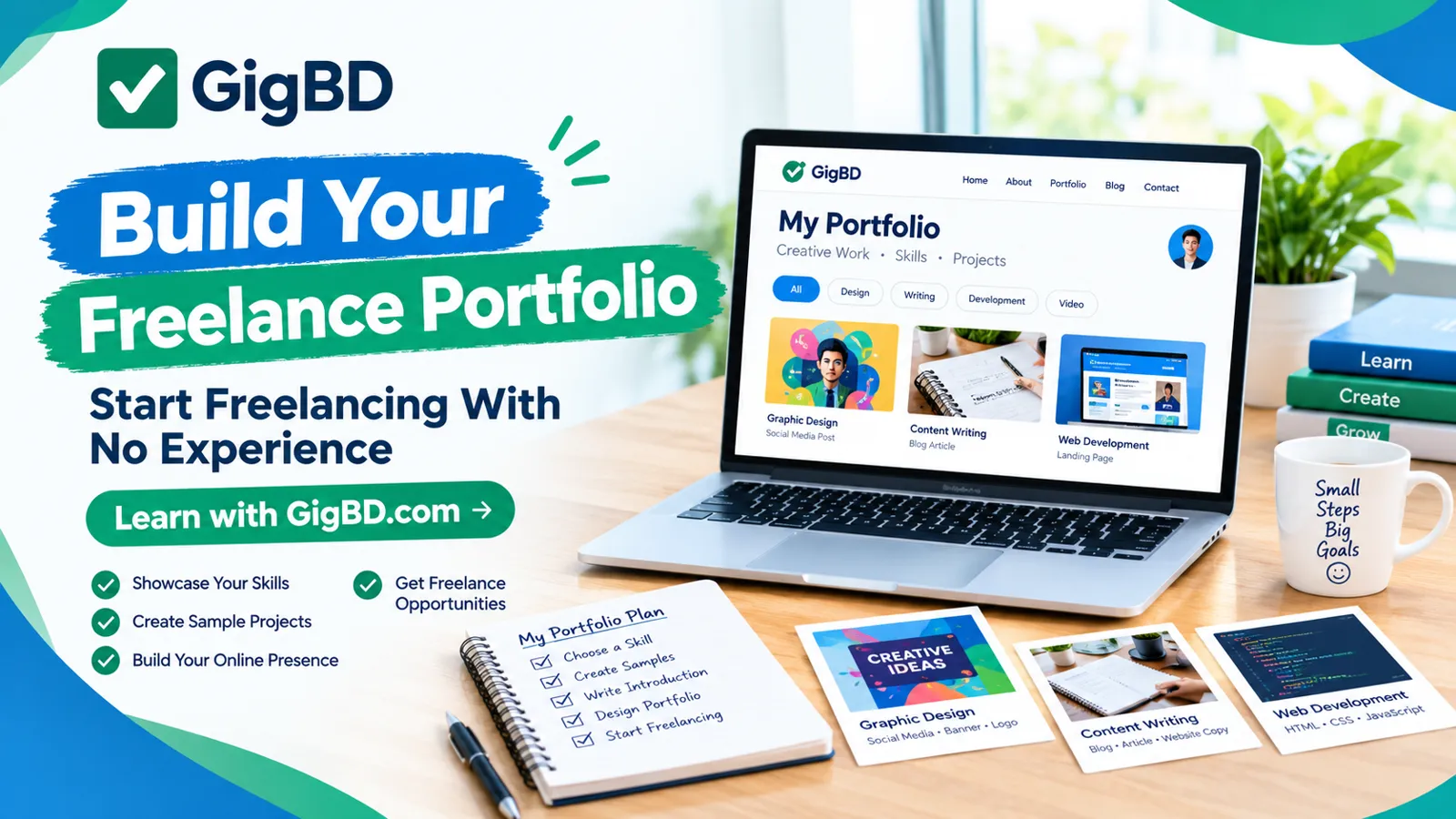
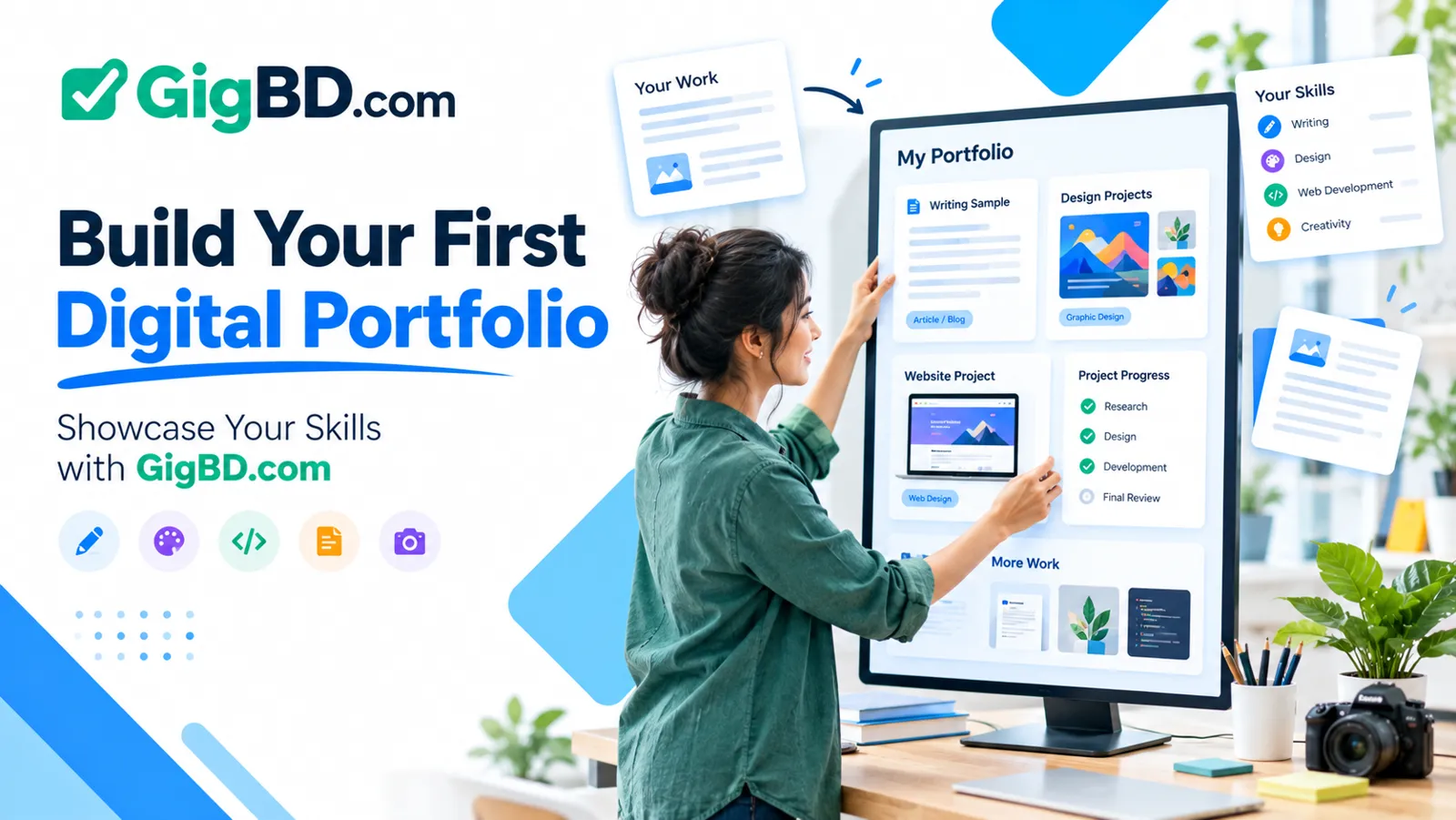
A portfolio is a collection of work samples that shows what you can do. It can include writing samples, graphic designs, website projects, spreadsheets, presentations, research examples, or other work related to your goals.
You do not always need previous employment to create a useful portfolio. Personal projects and clearly labelled practice work can demonstrate your current abilities.
At GigBD.com, we believe that developing practical digital skills and presenting them clearly can help beginners prepare for online opportunities. This guide explains how to build a portfolio step by step, even if you have never worked with a client.
1. Understand What a Digital Portfolio Is
A digital portfolio is an organized collection of examples that demonstrates your skills, knowledge, and working style.
Unlike a resume, which summarizes your qualifications and experience, a portfolio allows people to examine examples of your work.
Depending on your interests, your portfolio could include:
Articles and blog posts.
Graphic design samples.
Website designs and coding projects.
Video editing examples.
Spreadsheet templates.
Virtual assistant workflow examples.
Research and data organization samples.
Presentation slides.
You do not need to include every project you have completed. Choose examples that are relevant to the type of work you want to pursue.
For example, someone interested in content writing should prioritize well-written articles rather than unrelated design exercises.
A good portfolio helps visitors understand three things: what you can do, the quality of your work, and the type of projects you want to handle.
For beginners exploring digital skills through GigBD.com, a focused portfolio can be a practical way to demonstrate learning and preparation.
2. Choose One Skill to Focus On
Before creating your portfolio, decide which skill or service you want to demonstrate.
Trying to present yourself as an expert in many unrelated fields can make your portfolio confusing.
Start by identifying a skill that interests you and that you are willing to practise consistently.
Examples include:
Content writing: Blog articles, product descriptions, website copy, and educational guides.
Graphic design: Social media graphics, banners, thumbnails, and simple promotional materials.
Virtual assistance: Task schedules, sample email templates, research summaries, and organized spreadsheets.
Web development: Responsive web pages, small websites, and coding demonstrations.
Video editing: Short edited clips, subtitles, transitions, and educational video samples.
Data organization: Sample spreadsheets, data-cleaning demonstrations using fictional information, and reports.
Choose a skill based on your interests, available resources, and willingness to learn.
You can add other skills later as you gain experience.
3. Create Practice Projects
One of the easiest ways to build a portfolio without employment history is to create your own practice projects.
These projects should demonstrate the type of work you want to perform for real clients or employers.
For example:
A writer can create a sample article about a useful topic.
A designer can create a set of social media graphics for a fictional business.
A beginner web developer can build a responsive landing page.
A virtual assistant can prepare a sample weekly schedule and task tracker.
A video editor can create a short educational video using permitted footage.
Choose realistic project ideas and complete them carefully.
Do not wait until someone hires you before you begin building examples of your work.
If you are learning through tutorials or educational resources, apply what you learn in your own projects. This helps you practise the process rather than simply collecting certificates.
At GigBD.com, beginners can use a project-based learning approach to develop skills that may be useful when exploring digital work opportunities.
4. Build a Small Portfolio With Quality Samples
You do not need dozens of projects to get started.
A small collection of strong, relevant examples is often more useful than a large collection of unfinished or repetitive work.
As a starting point, aim for three to five carefully prepared samples if your chosen skill allows it.
For each sample, check that it is:
Relevant to your target service.
Easy to understand.
Complete enough to demonstrate your ability.
Clearly presented.
Free from obvious mistakes.
Created with appropriate permissions.
For example, a beginner content writer could prepare three different pieces: an educational article, a product description, and a short website introduction.
These samples would demonstrate different writing formats without requiring previous clients.
If you have only one finished project, publish that project and continue building the rest over time.
Quality and relevance matter more than filling every page with content.
5. Explain Each Project Clearly
A portfolio should show more than the final result. A short explanation helps visitors understand what they are looking at.
For each project, consider including:
Project title: Give the sample a clear name.
Objective: Explain what the project was designed to accomplish.
Your contribution: Describe what you created or completed.
Tools used: Mention relevant software or tools.
Skills demonstrated: Identify the abilities the sample highlights.
Project status: State whether it was personal practice, coursework, volunteer work, or paid client work.
For example:
Project: Sample Blog Article
Objective: Explain basic website security to beginners.
My contribution: Researched the topic, created an outline, drafted the article, and edited the final text.
Skills demonstrated: Research, organization, writing, and editing.
Project type: Personal practice project.
This format makes the example easier to evaluate and avoids suggesting that a practice project was completed for a real client.
6. Choose Where to Publish Your Portfolio
You can present your portfolio in several ways. The best choice depends on your skills, budget, and technical comfort.
Option A: A simple personal website
A personal website gives you control over your presentation and can include separate pages for projects, an introduction, and contact information.
You can gradually expand it as you develop new skills.
Option B: An online portfolio platform
Some platforms provide templates or dedicated spaces for showcasing creative work. These can be useful if you do not want to build a website yourself.
Check the platform's current pricing, privacy settings, and publishing terms before choosing one.
Option C: A shareable document
A carefully organized document or presentation can be a practical starting point for writers, virtual assistants, researchers, and beginners who have only a few samples.
Make sure the document is readable and that its sharing permissions allow the intended audience to access it.
Option D: A code or design repository
Developers and some technical professionals can use repositories to show code, project documentation, and demonstrations. Designers may prefer platforms intended for visual work.
Choose a format that makes your actual work easy to review.
For more digital learning ideas and online work guidance, GigBD.com can be part of your broader learning routine as you develop your portfolio.
7. Write a Clear Portfolio Introduction
Your introduction should quickly explain who you are, what you are learning or offering, and which skills you want to demonstrate.
You do not need to pretend to be an experienced professional.
For example:
"Hello! I am an aspiring content writer focused on creating clear, useful, and reader-friendly articles. I am building my skills in research, writing, and editing through independent practice projects. This portfolio presents selected samples that demonstrate my current abilities and learning progress."
Change this example to reflect your own skills and goals.
If you already have relevant training, volunteer work, or practical experience, include it accurately.
Keep your introduction short enough that visitors can quickly understand your focus.
Avoid unsupported claims such as being the best professional in your field or guaranteeing exceptional results.
Honest communication helps establish realistic expectations.
8. Show Your Skills Through Real Examples
A list of skills tells visitors what you claim to know. A project gives them an opportunity to see how you apply those skills.
For instance, rather than listing spreadsheet knowledge alone, you could include a sample spreadsheet that demonstrates formulas, sorting, clear headings, and organized information.
A designer might show a before-and-after improvement in a fictional layout, while a writer could present an edited article with an explanation of the changes.
Choose examples that make your abilities visible.
If a project uses sample data, fictional businesses, or invented scenarios, label those details clearly.
Do not include personal information belonging to other people, confidential client material, or copyrighted work without permission.
For beginners, the goal is to provide credible evidence of current ability rather than exaggerate professional experience.
9. Use AI Tools Responsibly
AI tools can help you brainstorm project ideas, outline documents, check grammar, or organize portfolio descriptions.
However, your portfolio should accurately represent your own abilities.
If you use AI to support a project, review its output, verify important facts, and follow the relevant platform's or client's rules about AI-assisted work.
You should be able to explain the decisions you made and the parts you completed yourself.
For example, a writer might use AI to generate initial topic ideas but conduct their own research, improve the draft, and check the finished article.
A developer should understand and test the code they present rather than displaying code they cannot explain.
Where AI use is relevant or disclosure is required, be transparent about it.
GigBD.com encourages practical learning and responsible use of digital tools so that beginners can develop skills they can apply confidently.
10. Make Your Portfolio Easy to Navigate
A portfolio should be simple to browse.
Visitors should not need to search through unrelated files or click through many pages to find your strongest work.
Use a clear structure, such as:
Home or introduction.
Selected projects.
Skills and tools.
About section.
Contact information.
For a document-based portfolio, use descriptive headings and keep each sample organized.
For a website, check that navigation works on mobile devices and that project images or files load properly.
Use readable fonts, sufficient contrast, and consistent formatting.
Remove outdated examples when they no longer represent your current abilities.
A clean portfolio can make even a small collection of work look more professional.
11. Add Your Portfolio to Your Professional Profiles
Once your portfolio is ready, make it easy for relevant people to find it.
Depending on the platform and its rules, you might include your portfolio in:
Your professional networking profile.
Your resume.
Your job application.
Your freelance profile.
A relevant email introduction.
Use a short, descriptive label such as "Writing Portfolio" or "Web Development Projects."
Before sharing the portfolio, check that the link works and that the files are accessible to the intended audience.
Do not share confidential information or publish private contact details unnecessarily.
If you apply for a specific role, consider highlighting the samples that best match its requirements.
A relevant selection is generally more useful than sending every project you have ever completed.
Readers using GigBD.com to learn about digital work can combine a suitable portfolio with a clear resume and thoughtful applications.
12. Keep Improving Your Portfolio
Your first portfolio is a starting point, not a permanent final version.
As you practise, you will discover which skills need improvement and which projects best demonstrate your abilities.
Review your portfolio periodically.
You can:
Replace weaker samples with better ones.
Add projects that demonstrate new skills.
Improve descriptions and explanations.
Correct errors.
Remove outdated or irrelevant work.
Update software and tools listed.
Make navigation clearer.
Check all shared links and permissions.
Ask someone you trust to review your work and identify areas that are confusing or incomplete.
Use feedback to improve the next version rather than treating every criticism as a failure.
A portfolio that develops alongside your skills can show your progress over time.
13. Common Portfolio Mistakes to Avoid
Several mistakes can reduce the value of a beginner portfolio.
Waiting for a real client: Create practice projects to demonstrate your abilities.
Including too many unrelated samples: Focus on the type of work you want to pursue.
Presenting practice work as paid work: Label projects accurately.
Using copied projects without attribution: Create original work or clearly acknowledge permitted references and contributions.
Publishing unfinished examples: Review your work before sharing it.
Ignoring mobile usability: Make sure visitors can view your portfolio on different screen sizes.
Making exaggerated claims: Describe your current abilities honestly.
Sharing private information: Remove sensitive data and confirm you have permission to publish each sample.
Never updating the portfolio: Replace outdated examples as your skills improve.
Avoiding these mistakes helps make your portfolio more useful and credible.
14. A Simple Seven-Day Portfolio Plan
If you are unsure where to begin, use this simple plan.
Day 1: Choose your skill.
Decide whether you want to demonstrate writing, design, virtual assistance, development, or another digital skill.
Day 2: Study examples.
Review high-quality examples in your chosen field and identify the standards your work should meet.
Day 3: Plan your first project.
Choose a manageable task with a clear purpose.
Day 4: Create your sample.
Complete the main work and focus on accuracy and quality.
Day 5: Review and improve it.
Correct mistakes, improve presentation, and document the tools or skills used.
Day 6: Prepare your portfolio page.
Add your introduction and organize your first sample. If time allows, begin a second project.
Day 7: Share and plan the next step.
Check permissions, test access, and decide what skill or project to practise next.
This schedule is flexible. Some projects may require more than a week, and that is perfectly reasonable.
The purpose is to create consistent progress rather than rush through work that is not ready.
15. Digital Portfolio Checklist
Before sharing your portfolio, review this checklist.
My portfolio has a clear purpose.
My samples match my target skill.
My strongest work is easy to find.
Each project has a useful description.
Practice projects are labelled honestly.
I have permission to publish the material.
I have removed sensitive or private information.
My writing and presentation have been checked.
My shared files or pages are accessible.
My portfolio works on mobile devices.
My contact information is