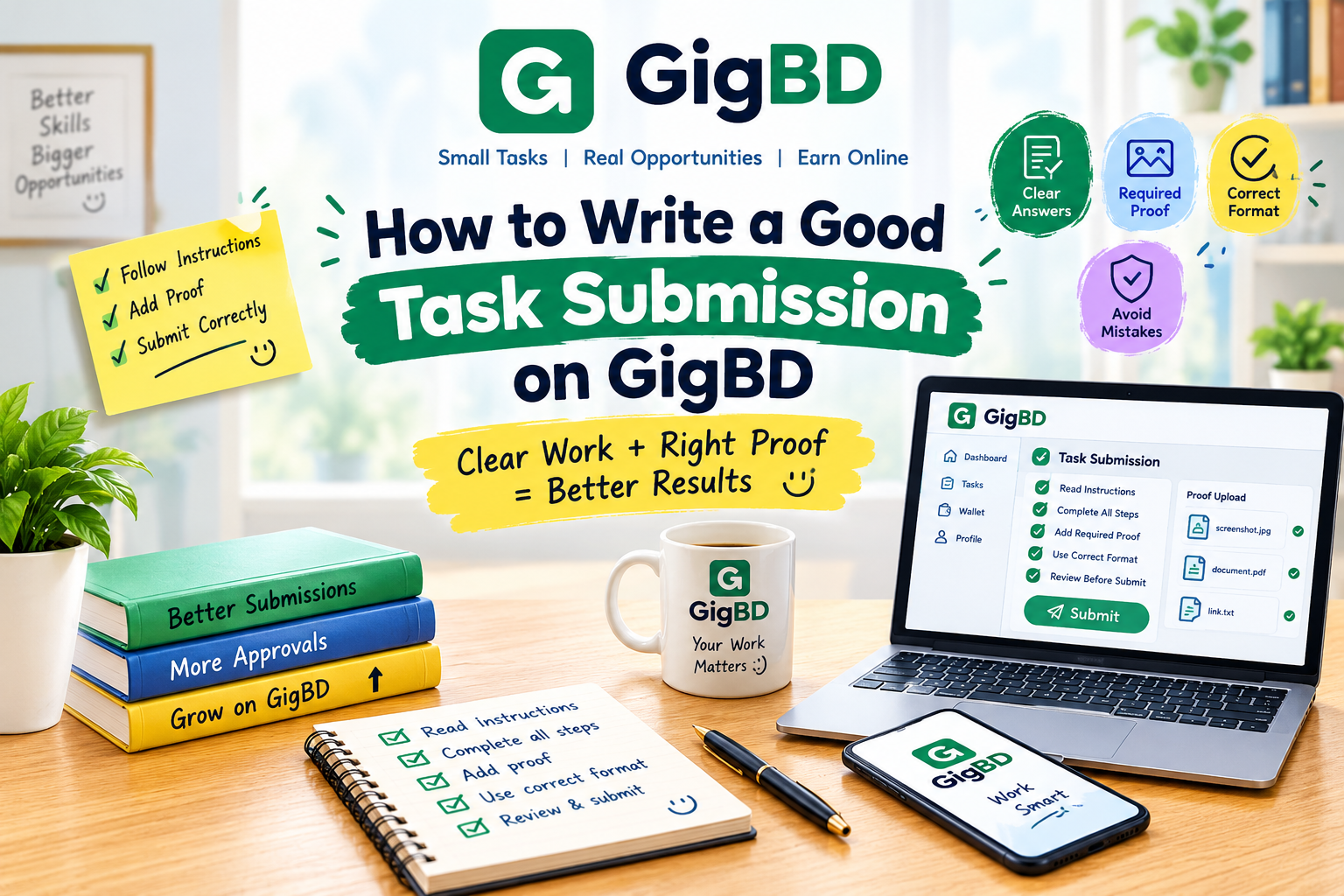
How to Write a Good Task Submission on GigBD
Completing an online task is important, but submitting your work correctly is just as essential. A clear and complete submission helps reviewers understand your work and evaluate whether it meets the task requirements.
Whether you are new to GigBD or already completing tasks, following a simple submission process can help you avoid common mistakes and improve the quality of your work.
Why Is a Good Task Submission Important?
Every task may have different instructions, requirements, and proof-of-work rules. Even if you complete the requested activity, missing information or incorrect formatting may cause problems during review.
A good submission should be accurate, easy to understand, complete, and consistent with the instructions provided.
Step 1: Read All Instructions Carefully
Before starting a task, read its full description. Make sure you understand what you need to do, what information you must provide, and how the finished work should be submitted.
Pay attention to:
Required actions and steps.
Submission format.
Screenshot or proof requirements.
Any deadlines or eligibility conditions.
Special instructions from the task creator.
If anything is unclear, review the instructions again before beginning.
Step 2: Complete the Task Properly
Follow the instructions in the order provided. Take your time and make sure you complete each required action.
Do not skip important steps just to finish quickly. Quality and accuracy are more important than rushing through a task.
Only report work that you have actually completed. Honest submissions help maintain trust across the platform.
Step 3: Prepare Clear and Accurate Answers
Some tasks require written answers, links, short explanations, or other details.
Keep your responses relevant to the task. Check spelling, names, figures, and other important information before submitting.
Avoid entering random text or copying unrelated answers. Make sure every response matches the question being asked.
Step 4: Add the Required Proof
Certain tasks may ask for screenshots, links, uploaded files, or other evidence that shows the work was completed.
When proof is required:
Capture the relevant information clearly.
Make sure important details are visible.
Upload the correct file or provide the correct link.
Check that the evidence matches your actual work.
Avoid exposing unnecessary personal information.
Never create misleading evidence or claim to have completed an action that you did not perform.
Step 5: Use the Correct Submission Format
Read the submission instructions before uploading your work.
For example, a task may require a written answer in a text field, a screenshot attachment, or a link in a specific field.
Use the requested format and make sure your information is entered in the correct place. If a file is required, check that it has uploaded successfully before continuing.
Step 6: Review Everything Before Clicking Submit
A final review can help you catch mistakes before sending your work.
Use this checklist:
Have I completed every required step?
Have I followed all the instructions?
Are my answers accurate?
Have I attached the required proof?
Is the screenshot or file readable?
Does the link work correctly?
Have I used the correct submission format?
Once you have checked everything, submit your work through the designated submission process.
Step 7: Check Your Submission Status
After submitting a task, check your account for status updates. Depending on the task, the work may need to be reviewed before a final decision is made.
Submission does not automatically mean approval. The result depends on the task requirements and the applicable review process.
If your submission is rejected and feedback is available, read it carefully. Use the feedback to understand what went wrong and how you can improve future submissions.
Common Task Submission Mistakes to Avoid
Beginners sometimes make avoidable mistakes, including:
Skipping important instructions.
Leaving required fields empty.
Uploading the wrong screenshot.
Providing an incorrect or broken link.
Submitting incomplete work.
Using unclear or irrelevant proof.
Claiming that an action was completed when it was not.
Submitting repeatedly when the task rules do not permit it.
Taking a few extra minutes to review your work can help prevent these problems.
Tips for Better Results on GigBD
Focus on accuracy: Complete the task according to its requirements rather than rushing.
Keep your proof organized: Use clear screenshots, correct files, and working links whenever required.
Follow the rules: Respect the task instructions and the platform's applicable policies.
Protect your account: Never share your password or verification codes with other users.
Learn from feedback: Use available review comments to improve your future submissions.
Be patient: Tasks may have different review times, and approval is not guaranteed.
Frequently Asked Questions
What should I include in a task submission?
Include all information and proof specifically requested in the task instructions. Requirements vary, so always check the task description first.
Can a task be rejected even if I completed it?
Yes. A submission may not meet the stated requirements if important steps are missing, the evidence is insufficient, or the required format was not followed.
Should I submit screenshots for every task?
Only when screenshots are requested or accepted as proof. Follow the specific instructions for each task.
What should I do if I submit the wrong information?
Check whether the platform allows corrections. If not, contact the appropriate support channel and explain the problem honestly.
Does a good submission guarantee payment?
No. Payment depends on the task's conditions, successful review where applicable, and the platform's payment rules.
Conclusion
A good task submission starts with careful reading and ends with a final review. By following instructions, completing the work accurately, providing genuine proof, and using the correct format, you can avoid common mistakes and make your work easier to evaluate.
If you use GigBD, take the time to understand each task before starting and always submit honest, complete work.
Read carefully. Work accurately. Submit confidently.