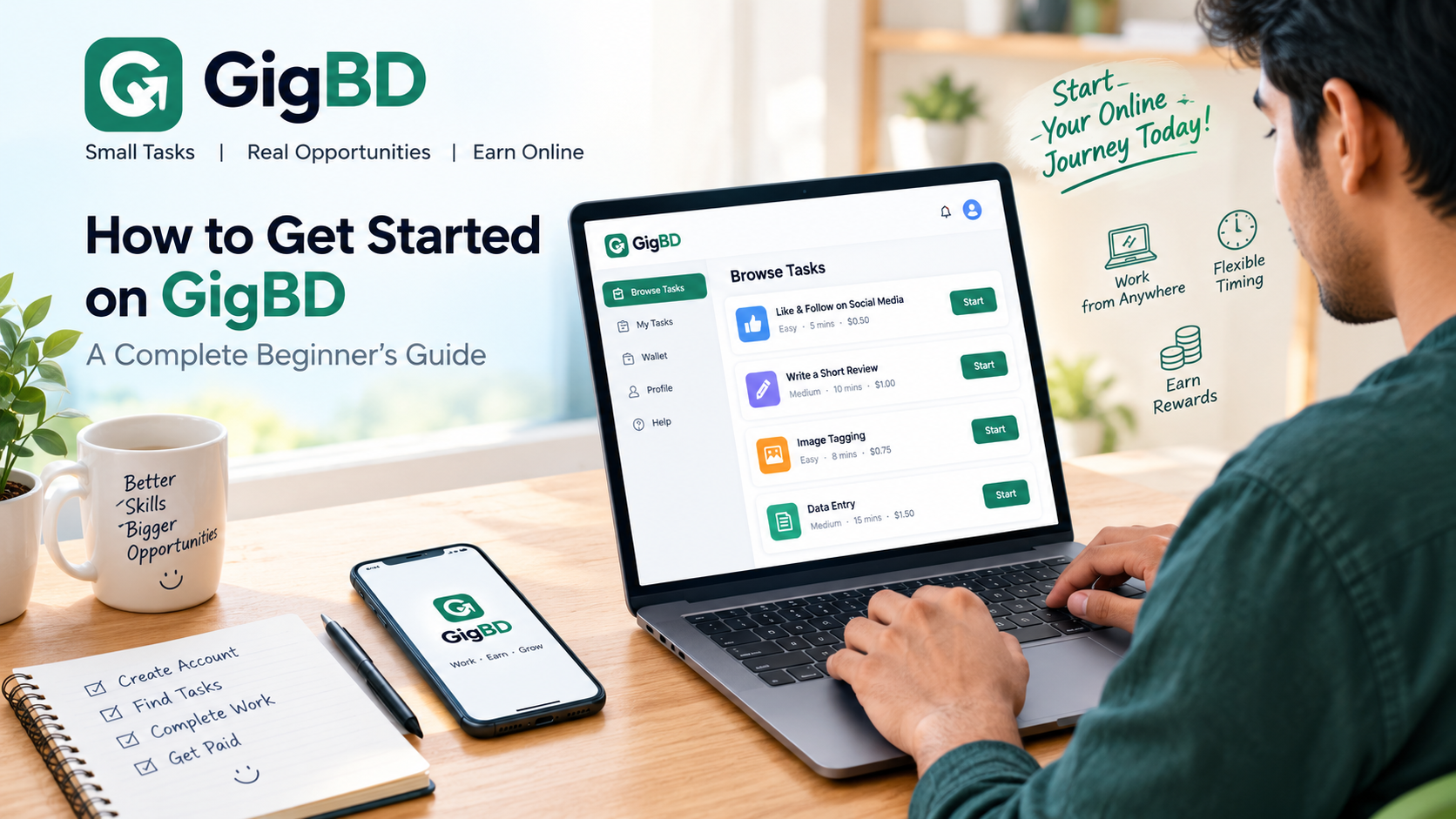
Welcome to GigBD
Are you new to GigBD and want to learn how to use the platform? This beginner's guide will help you understand how to get started, find available tasks, follow instructions, and submit your work correctly.
GigBD is a micro-task marketplace where users can explore available tasks and complete work according to the requirements provided. Whether you are using a computer or a mobile phone, learning the basic process can help you get started with confidence.
What Is GigBD?
GigBD is an online platform designed to connect users with small tasks and work opportunities. Depending on availability, users may find different tasks that they can complete by following the instructions on the platform.
The number and type of available tasks may change over time. Not every task, advertisement, or offerwall is necessarily available to every user.
Step 1: Create Your Account
If you are new to GigBD, visit the website and register for an account using the information requested during signup.
Provide accurate account information.
Follow any verification instructions shown on the website.
Keep your login details secure.
Read the platform's rules before getting started.
If you already have an account, simply log in and visit your dashboard.
Step 2: Browse Available Tasks
After logging in, open the Browse Tasks section to see the tasks currently available to you.
Before starting any task, carefully review its description, requirements, reward information, and submission instructions. Make sure you understand what is expected before spending time on the task.
Some tasks may have specific eligibility requirements, so the opportunities you see may differ from those available to other users.
Step 3: Complete Tasks Carefully
Once you choose a task, follow the provided instructions from beginning to end.
Read all requirements before starting.
Complete every required step.
Provide accurate information and genuine proof when requested.
Follow the required submission format.
Never submit false information or claim work you have not completed.
Taking time to understand the instructions can help you avoid common mistakes.
Step 4: Submit Your Work
When you finish a task, submit your work using the method described on the task page.
Before submitting, double-check your answers and any required proof. Task approval depends on meeting the stated requirements and following the applicable platform rules.
If a submission is rejected, review the available feedback and instructions to understand what needs improvement.
Step 5: Check Your Dashboard
Use your GigBD account dashboard to review the information available about your tasks, balance, and account activity.
For payment methods, withdrawal requirements, and processing times, check the current information provided on the website. Payment options and eligibility may vary, so always review the applicable rules.
What If You See Only a Few Tasks?
New users sometimes expect to find many tasks immediately. However, task availability can change depending on active campaigns, eligibility requirements, and other factors.
If you see only a few tasks:
Check the Browse Tasks page again later.
Follow official GigBD announcements for platform updates.
Make sure your account information is complete.
Review any requirements that may affect your eligibility.
Advertisements and offerwalls may not be available to every account. Seeing fewer opportunities does not automatically mean your account has a problem.
Tips for New GigBD Users
Read instructions carefully: Understanding the requirements before starting can save time and reduce errors.
Be honest: Submit only work you have genuinely completed.
Protect your account: Never share your password with other people.
Check for updates: Visit the website regularly to see whether new opportunities become available.
Avoid unrealistic promises: No particular income is guaranteed. Results depend on available tasks, successful completion, approval, and applicable platform rules.
Frequently Asked Questions
Can beginners use GigBD?
Yes. Beginners can explore the available tasks and learn how to use the platform by following the instructions provided.
Can I use GigBD on my mobile phone?
You can access the website through a compatible mobile browser. The availability of particular features may depend on your device and the website.
Why do I see only one task?
Task availability can vary based on current campaigns and eligibility requirements. Check the task page periodically for updates.
Are earnings guaranteed?
No specific income is guaranteed. Any earnings depend on available opportunities, completed work, approval, and the platform's rules.
Final Thoughts
Getting started on GigBD is simple when you understand the basic process. Create your account, explore available tasks, follow the instructions carefully, and check your dashboard for updates.
We appreciate your interest in GigBD and hope this guide helps you get started. Keep learning, work carefully, and stay informed about new opportunities on the platform.