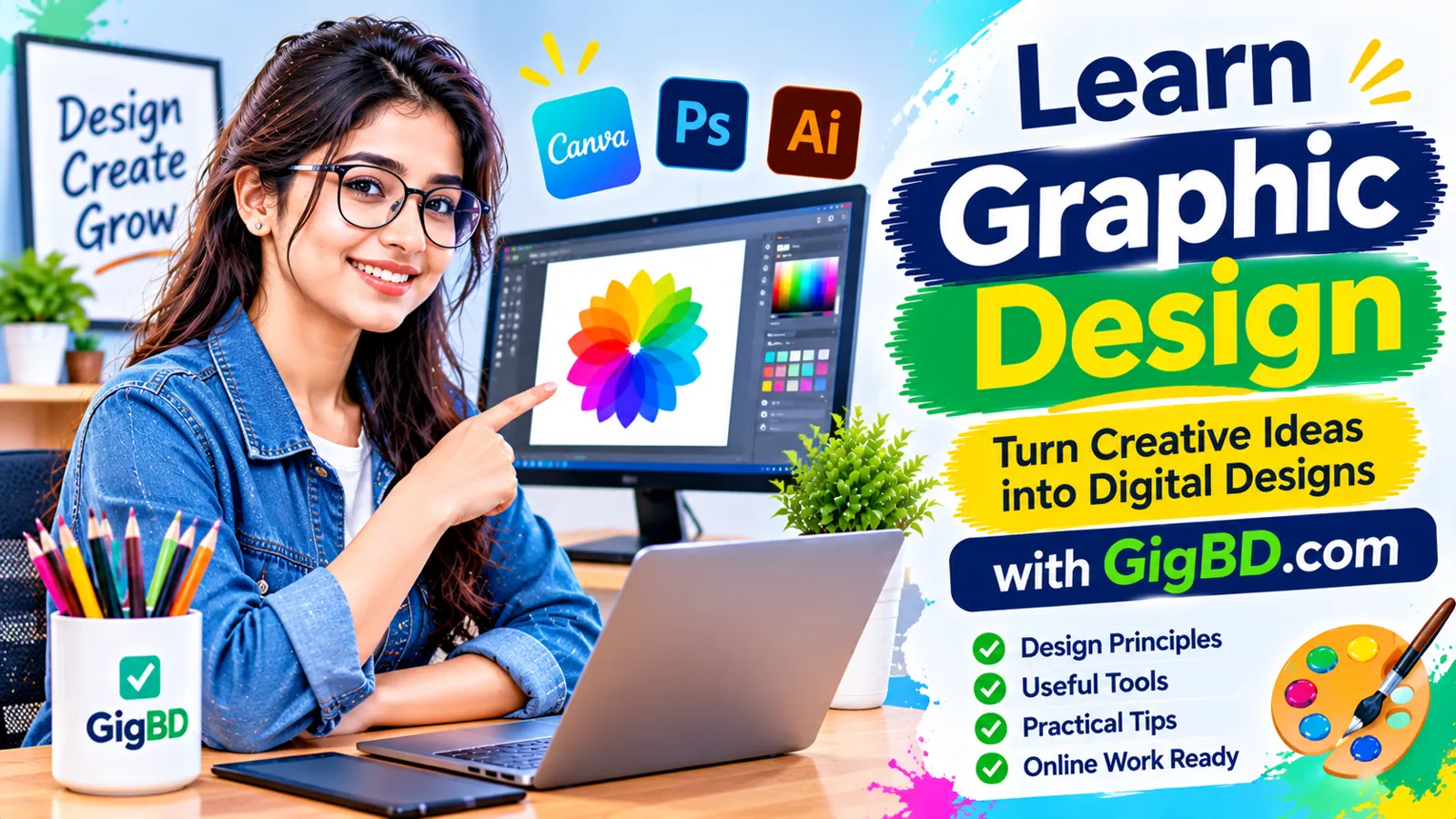
How to Learn Basic Graphic Design for Online Work
Graphic design is an important digital skill used by businesses, content creators, marketers, and online professionals. From social media posts and website banners to advertisements and promotional materials, visual content plays a major role in communicating information.
The good news is that you do not need to be an experienced artist to start learning graphic design. Beginners can develop useful design skills through practice, creativity, and a basic understanding of visual communication.
If you want to explore online work opportunities, learning graphic design can be a practical starting point. It can help you create digital content, support businesses, and develop a skill that is useful across many industries.
In this guide, we will explain how to learn basic graphic design step by step, which tools to explore, and how to practice before taking on real projects.
1. Understand What Graphic Design Is
Graphic design is the process of combining text, images, colors, shapes, and other visual elements to communicate a message.
It is used in many areas of everyday digital life, including:
Social media graphics
Website banners
Business advertisements
Product promotions
YouTube thumbnails
Presentation slides
Posters and flyers
Business cards
Infographics
Digital marketing materials
For example, a small business may need attractive social media graphics to announce a new product. A website owner may need a banner to introduce a service. A content creator may need a thumbnail to represent a video.
These are examples of projects where basic graphic design knowledge can be useful.
2. Learn the Fundamental Design Principles
Before exploring advanced software, learn the basic principles that make a design clear and visually balanced.
Balance
Balance refers to how visual elements are distributed within a design. A balanced layout helps prevent one area from feeling unnecessarily crowded.
Contrast
Contrast helps important elements stand out. You can create contrast through differences in color, size, shape, or font weight.
Alignment
Alignment keeps text, images, and other elements organized. Consistent alignment makes a design look more structured.
Hierarchy
Visual hierarchy helps viewers understand which information is most important. A headline is usually larger than supporting text, while less important details can use smaller sizes.
Spacing
Proper spacing makes a design easier to read. Avoid placing too many elements close together.
Consistency
Use a consistent approach to colors, typography, shapes, and layouts. This helps create a professional visual appearance.
Understanding these principles will help you make better design decisions, even when using simple tools.
3. Start With Easy Graphic Design Tools
You do not need expensive software to begin learning graphic design. Several tools offer beginner-friendly features.
Canva
Canva is a popular online design platform with ready-made templates, text styles, images, and design elements. Beginners can use it to create social media graphics, posters, presentations, and banners.
Adobe Express
Adobe Express provides templates and simple editing tools for creating digital graphics and promotional content. It can be useful for people who want to explore different visual styles.
GIMP
GIMP is a free image-editing program that offers more detailed editing capabilities. It can help beginners explore image manipulation and photo editing.
Inkscape
Inkscape is a vector graphics editor. It is useful for learning how to create scalable illustrations, icons, and other vector-based designs.
Adobe Photoshop
Photoshop is a professional image-editing application used for photo manipulation, digital graphics, and creative projects. Beginners can learn its basic tools before exploring more advanced features.
Start with one tool rather than trying to learn everything at once. Once you understand the fundamentals, you can explore additional software.
4. Learn Basic Typography
Typography is the way text is arranged and presented in a design.
Good typography makes information easier to read and helps establish the visual style of a graphic.
Start by learning:
The difference between serif and sans-serif fonts
Font size and readability
Font weight
Line spacing
Letter spacing
Text alignment
Heading and body text combinations
Avoid using too many font styles in one design. Two complementary font families are often enough for a simple graphic.
Always make sure that important text remains readable on smaller screens, especially when creating social media content.
5. Understand Color Combinations
Colors influence how people interpret visual content. A good color combination can make a design feel organized and help important information stand out.
Start by understanding:
Primary Colors: Red, blue, and yellow are traditionally used as foundational colors in basic color theory.
Complementary Colors: These are colors positioned opposite each other on the color wheel and can create strong contrast.
Analogous Colors: These are colors located close together on the color wheel and can create a harmonious appearance.
Neutral Colors: White, black, gray, and similar tones can help balance brighter colors.
For beginner projects, choose a small color palette and use it consistently.
You can also explore color palette tools to discover combinations that work well together.
6. Practice Creating Simple Designs
Practice is one of the most important parts of learning graphic design.
Instead of immediately attempting complicated projects, start with small designs that help you understand individual skills.
Try creating:
A simple social media post
A promotional banner
A basic business card
A YouTube thumbnail
A motivational quote graphic
A product advertisement
A simple event poster
For each project, focus on one or two design principles.
For example, when creating a promotional banner, practice headline placement, contrast, spacing, and alignment.
Do not worry about making every design perfect. Review your work and identify what you can improve.
7. Learn How to Design Social Media Graphics
Social media graphics are a useful area for beginners to practice.
Businesses and content creators often use visual posts to communicate announcements, introduce products, and share information.
When designing social media graphics:
Start with the correct image dimensions for the platform.
Use a clear headline.
Keep the main message short.
Choose readable fonts.
Use relevant images.
Maintain consistent spacing.
Avoid unnecessary decorative elements.
Create a few sample designs for an imaginary business, such as a clothing store, restaurant, or technology shop.
This exercise can help you understand how design requirements change depending on the audience and purpose.
8. Learn Basic Image Editing
Graphic design often involves working with photographs and other visual assets.
Basic image-editing skills can help you prepare images for different projects.
Useful skills include:
Cropping and resizing images
Adjusting brightness and contrast
Removing unwanted backgrounds
Improving image composition
Working with layers
Exporting images in suitable formats
Learn how to use these tools responsibly. Make sure you have permission to use photographs, illustrations, and other assets in commercial projects.
9. Understand Common Graphic Design File Formats
Different projects require different file formats. Understanding the basic differences can help you deliver files correctly.
PNG: Useful for graphics that need transparent backgrounds.
JPG or JPEG: Commonly used for photographs and general web images.
SVG: A vector format that can scale without losing quality.
PDF: Useful for sharing documents and print-ready designs.
PSD: Photoshop's layered project format, useful when an editable Photoshop file is required.
Always check the client's requirements before exporting a final design.
10. Develop a Simple Design Workflow
Following a consistent workflow can make your design process more organized.
A beginner-friendly workflow may look like this:
Step 1: Understand the Requirement
Read the project instructions and identify the intended audience, message, dimensions, and required elements.
Step 2: Collect References
Look for examples that help you understand the visual direction. Use them for inspiration rather than copying another designer's work.
Step 3: Plan the Layout
Decide where the headline, images, supporting text, and other elements should appear.
Step 4: Create the Design
Use your selected software to build the layout and apply appropriate typography and colors.
Step 5: Review the Result
Check readability, alignment, spacing, spelling, and image quality.
Step 6: Export the Final File
Save the design in the requested format and verify that the exported file looks correct.
This simple process can help you avoid unnecessary revisions.
11. Build a Graphic Design Portfolio
A portfolio is a collection of work that demonstrates your skills and design style.
You do not need paid client projects to begin building one. You can create sample designs based on imaginary businesses or personal ideas.
For example, your beginner portfolio might include:
Three social media posts
Two promotional banners
Two YouTube thumbnails
One business card
One product advertisement
One event poster
Choose your strongest work and present it in an organized way.
For every sample, briefly explain its purpose and the design decisions you made.
Never present imaginary client work as a real paid project. Clearly identify practice projects as personal or concept designs.
12. Learn From Design Feedback
Feedback can help you recognize problems that you might not notice yourself.
Share your practice designs with other learners, designers, or trusted reviewers.
Ask specific questions:
Is the headline easy to read?
Does the layout feel balanced?
Are the colors suitable for the subject?
Is the main message clear?
Are any elements unnecessary?
Try not to treat every suggestion as a rule. Consider the purpose of the design and decide which feedback is useful.
Reviewing your older designs can also help you see how your skills are improving.
13. Explore Online Work Opportunities
Once you have learned the basics and created several sample designs, you can begin exploring suitable online work opportunities.
Some beginner-friendly design-related services include:
Social media post design
Simple promotional banners
Basic thumbnail design
Presentation graphics
Digital flyers
Simple business cards
Product promotional graphics
The requirements vary depending on the client and project. Some jobs require advanced software knowledge, while others may involve simpler design tasks.
Read project instructions carefully before accepting work. Make sure you understand the expected quality, dimensions, file formats, deadlines, and revision requirements.
GigBD.com can be one place to explore digital work guidance and opportunities as you continue developing your skills.
14. Create a Beginner-Friendly Learning Routine
Learning graphic design becomes easier when you practice regularly.
Here is a simple four-week learning plan.
Week 1: Design Fundamentals
Learn about alignment, contrast, spacing, hierarchy, and balance. Study examples of simple professional designs.
Week 2: Tools and Typography
Choose one design tool. Practice adding text, selecting fonts, arranging elements, and using color combinations.
Week 3: Practical Projects
Create social media graphics, banners, thumbnails, and simple promotional materials.
Week 4: Portfolio and Review
Select your best designs, organize them into a small portfolio, and ask for feedback.
This is a flexible learning plan, not a fixed deadline. Spend more time on any topic that you find difficult.
15. Common Mistakes Beginners Should Avoid
New designers often make mistakes while learning. Recognizing them early can help improve the quality of your work.
Using Too Many Fonts: Too many font styles can make a design look inconsistent.
Choosing Poor Color Combinations: Some color combinations make text difficult to read.
Ignoring Spacing: Crowded layouts can reduce clarity.
Adding Unnecessary Elements: Decorative graphics should support the message, not distract from it.
Copying Other Designs: Use references to learn, but create original layouts.
Ignoring Design Requirements: Always follow the requested dimensions, format, and content.
Not Reviewing the Final Design: Check spelling, alignment, image quality, and readability before delivery.
16. How GigBD.com Can Support Your Digital Skills Journey
Graphic design is one of several practical skills that can support online work and digital business activities.
Learning design can also help you develop related abilities such as visual communication, content creation, branding, and digital marketing.
As you improve, you can explore different project types and learn which areas match your interests and current abilities.
GigBD.com aims to help users explore online work opportunities and useful digital skills. Keep practicing, follow project requirements, and continue improving the quality of your work.
Conclusion
Learning basic graphic design does not require advanced artistic experience or expensive equipment.
Start by understanding fundamental design principles, choose one beginner-friendly tool, and practice creating simple graphics. Learn typography, color combinations, image editing, and proper file formats.
As your confidence grows, build a portfolio and explore suitable online projects.
The most important thing is to practice consistently and focus on communicating ideas clearly through visual design.
For more beginner-friendly guides about digital skills and online work, visit GigBD.com.