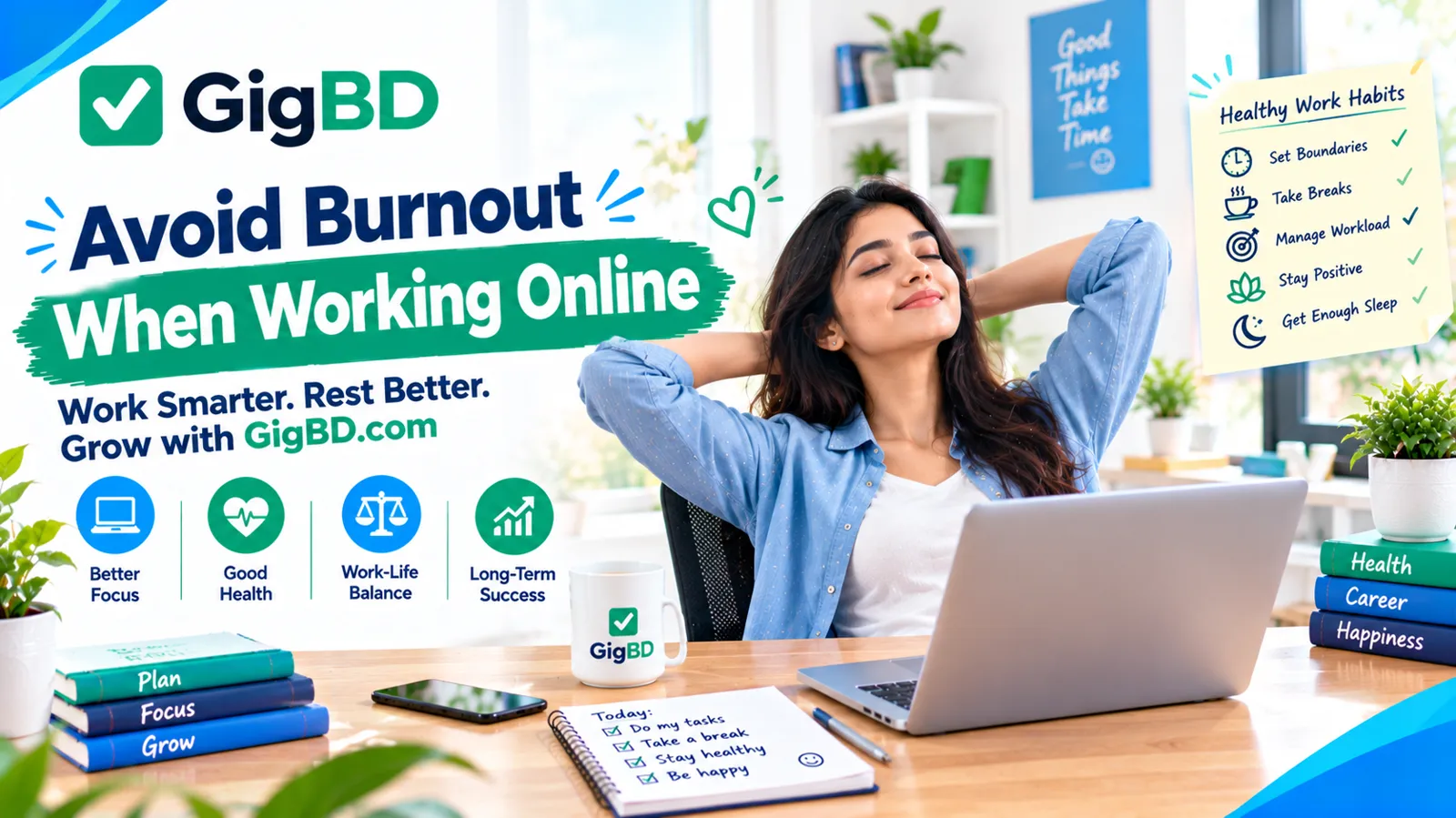
How to Avoid Burnout When Working Online: A Practical Guide
Working online can provide flexibility and access to opportunities from different locations. Freelancers, remote employees, virtual assistants, and online task workers can often organize their work around their personal schedules.
However, online work also comes with challenges. Spending too much time in front of a screen, accepting too many tasks, working without regular breaks, and feeling pressure to stay available can make it difficult to maintain a healthy routine.
Over time, these habits may contribute to burnout, a state of ongoing work-related exhaustion that can affect motivation, concentration, and overall well-being.
At GigBD.com, we believe that building a sustainable online work routine is just as important as learning new digital skills. This guide explains practical ways to manage your workload and protect your time while working online.
1. Understand the Warning Signs of Burnout
The first step is recognizing when your current work routine may be becoming unsustainable.
Possible warning signs include:
Feeling exhausted even after resting.
Finding it difficult to concentrate on simple tasks.
Losing interest in work you previously enjoyed.
Becoming unusually frustrated by small problems.
Working longer hours without feeling productive.
Struggling to separate work from personal life.
These experiences can have different causes, and not every difficult day means you are experiencing burnout. However, persistent exhaustion and declining motivation are reasons to review your routine and consider seeking support if needed.
Recognizing problems early can help you make adjustments before they become more difficult to manage.
2. Set Realistic Daily Work Goals
One common source of online work stress is trying to accomplish too much in a single day.
A long task list can make even a productive day feel unsuccessful. Instead of planning every available minute, identify the tasks that matter most.
Try this simple approach:
Write down the tasks you need to complete.
Identify the two or three most important priorities.
Estimate how long each task may take.
Leave room for unexpected problems.
Move unfinished tasks to another day when appropriate.
For example, if you are completing online tasks through GigBD.com while also learning new skills, avoid scheduling more work than you can reasonably handle.
A realistic plan is more useful than a perfect-looking schedule that leaves no time to rest.
3. Take Regular Breaks From Your Screen
Online work often requires long periods of looking at a computer or phone. Without breaks, you may experience tired eyes, physical discomfort, or difficulty maintaining concentration.
Build short breaks into your day. Stand up, stretch, walk around, drink water, or look away from your screen.
You can experiment with a simple routine, such as working for 25–50 minutes and then taking a short break. Adjust the timing to suit the task and your concentration.
During longer breaks, try stepping away from your workstation rather than switching immediately to another screen.
Breaks are not wasted time. They can help you return to your work feeling more comfortable and focused.
4. Create a Clear Start and End to Your Workday
When your work happens on a personal computer or phone, it can be tempting to remain available all day.
This makes it harder to disconnect and enjoy personal time.
Create a routine that signals when work begins and ends. For example, you might review your tasks at the beginning of the day, complete your planned work, and then close your work-related tabs and notifications.
If you work flexible hours, choose a reasonable daily limit based on your responsibilities.
You do not need to follow the same schedule every day, but having some boundaries can prevent work from occupying every available hour.
5. Separate Your Workspace From Your Relaxation Space
A dedicated home office is not necessary to create a better work environment.
Even a small desk or a specific corner of a room can help you mentally separate work from leisure.
Consider these ideas:
Keep your essential work items organized.
Use a comfortable chair and suitable desk height.
Make sure your workspace has adequate lighting.
Reduce unnecessary noise where possible.
Put away work materials when your day ends.
If you work primarily from a phone, try to avoid doing every personal activity and every work task in the same place.
A simple and organized workspace can make it easier to focus during work and disconnect afterward.
6. Avoid Comparing Your Progress With Others
Social media and online communities often highlight people's achievements, completed projects, and professional milestones. Constantly comparing yourself with these examples can create unrealistic expectations.
Remember that you may not see the challenges, setbacks, or time behind another person's progress.
Instead of measuring your success against someone else's results, track your own improvement.
You could record skills you have learned, tasks you have completed, feedback you have received, or improvements in the quality of your work.
When exploring opportunities through GigBD.com, focus on understanding the available tasks, following instructions, and developing reliable work habits rather than expecting immediate results.
Progress can look different for different people.
7. Learn to Say No When Your Workload Is Too Heavy
Accepting every task or request can lead to missed deadlines and unnecessary stress.
Before committing to additional work, consider your current responsibilities, available time, and the effort required.
If you cannot accept a task, communicate respectfully and as early as possible.
For example:
"Thank you for considering me for this task. I am currently working on other commitments and cannot complete it within the requested timeframe. I appreciate your understanding."
If you have already accepted a task and realize the deadline is at risk, explain the situation promptly and discuss possible options.
Being realistic about your capacity helps you protect the quality of your work and maintain professional relationships.
8. Reduce Unnecessary Notifications
Constant notifications can interrupt concentration and make it feel as though you must respond immediately to everything.
Review the alerts you receive from email, messaging applications, social media, and other online services.
You can improve your focus by:
Turning off nonessential notifications.
Checking messages at planned times.
Using focus or do-not-disturb settings when appropriate.
Keeping important work alerts enabled.
Letting collaborators know when you are generally available.
Not every message requires an immediate response. Setting reasonable expectations can help you manage your attention more effectively.
9. Make Time for Physical Activity
When working online, it is easy to spend most of the day sitting.
Regular movement can support general health and help break up long periods of screen time.
You do not need a complicated exercise routine. Consider taking a walk, stretching between tasks, doing light exercises, or choosing an activity you enjoy.
Try to make movement a regular part of your schedule rather than waiting until you feel exhausted.
If you experience persistent physical discomfort, consider seeking appropriate professional advice.
10. Protect Your Sleep and Personal Time
Staying up late to finish tasks may seem useful in the short term, but repeatedly sacrificing sleep can make concentration and daily functioning more difficult.
Try to maintain a consistent sleep schedule and avoid allowing routine work to continue late into the night.
You can support a healthier routine by:
Planning important tasks earlier when possible.
Setting a reasonable time to stop working.
Reducing stimulating screen activities before bedtime.
Keeping work notifications quiet during rest periods.
Making time for friends, family, hobbies, and relaxation.
Your personal life should not become an endless extension of your working hours.
11. Build a Sustainable Online Work Routine
A sustainable routine considers both productivity and recovery.
You might begin your day by reviewing priorities, work on important tasks during your most focused hours, take breaks throughout the day, and finish by reviewing what you accomplished.
Keep the routine flexible enough to accommodate changes.
If you are working on GigBD.com or another online platform, remember that task availability and workload can vary. Avoid planning your entire day around assumptions about tasks that may not be available.
Instead, use quieter periods for appropriate learning, organizing your work, or resting when needed.
The goal is not to stay busy every minute. The goal is to build habits you can maintain over time.
12. Seek Support When You Need It
Sometimes, changing your schedule is not enough to resolve ongoing exhaustion or distress.
If you feel overwhelmed for an extended period, consider talking with someone you trust or seeking support from a qualified professional.
If work demands are unreasonable, explore whether you can clarify expectations, reduce commitments, or discuss deadlines with the relevant person.
You do not have to solve every problem alone. Asking for help can be a practical step toward a healthier working situation.
A Simple Daily Checklist for Online Workers
Use this checklist to review your routine:
Set realistic priorities for the day.
Keep your workspace reasonably organized.
Take regular screen breaks.
Drink water and make time to eat.
Reduce unnecessary notifications.
Communicate early about deadlines.
Make time for movement.
Stop working at a reasonable time.
Protect your sleep and personal life.
Review your routine and adjust when necessary.
You do not need to follow every habit perfectly. Start with one or two changes and build from there.
Final Thoughts
Working online can create valuable opportunities, but a healthy routine is important for maintaining your energy, concentration, and motivation.
Set realistic goals, take breaks, establish boundaries, and avoid comparing your progress with someone else's. Make room for rest and seek support when work-related stress becomes difficult to manage.
At GigBD.com, we encourage online workers to develop skills and habits that support a more sustainable working life. Whether you are completing online tasks, freelancing, or learning a new digital skill, remember that your well-being matters alongside your professional goals.
Disclaimer: This article provides ge