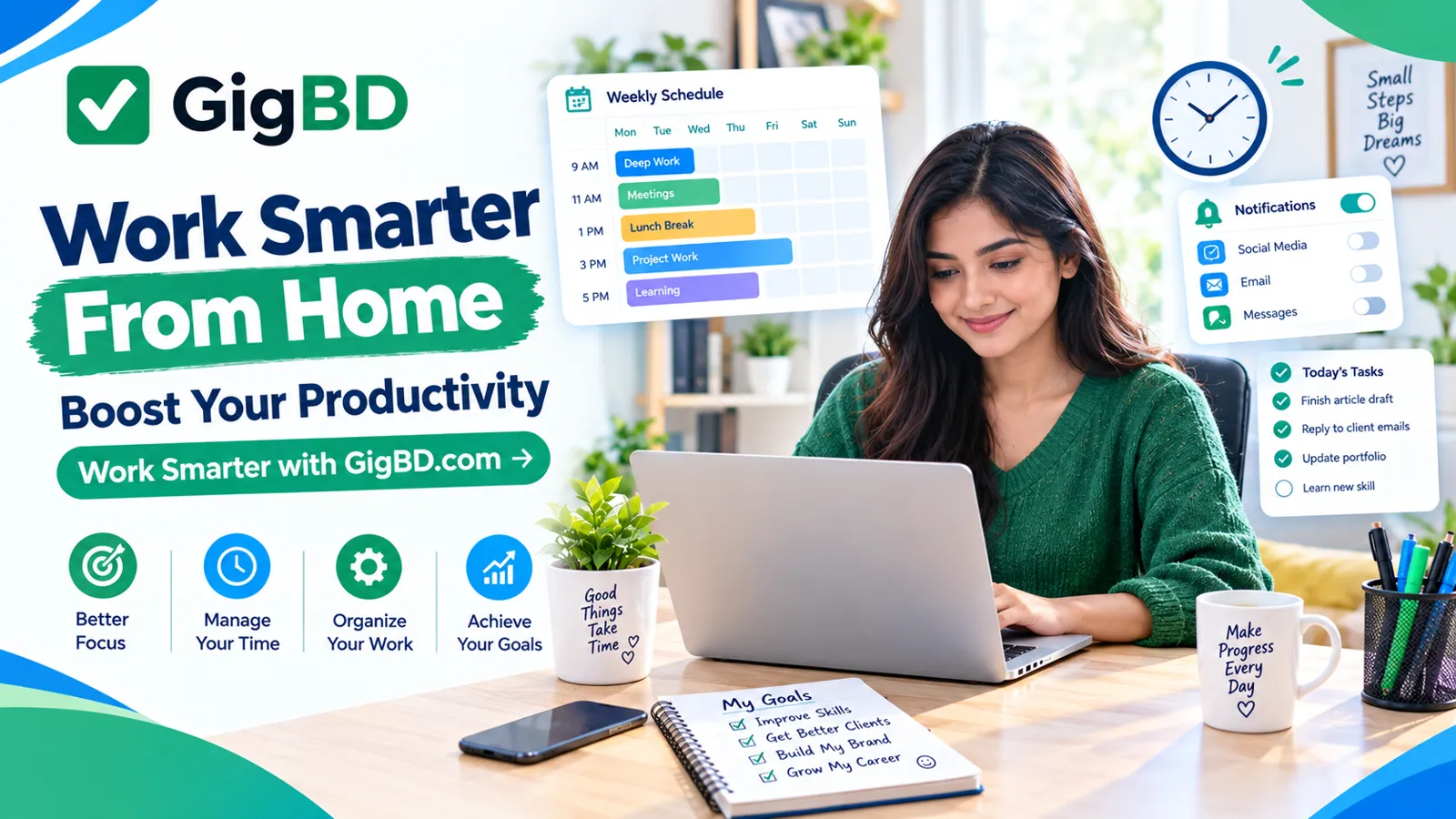
How to Improve Productivity While Working From Home
Introduction
Working from home offers flexibility, but staying productive throughout the day can be challenging. Household responsibilities, mobile notifications, an uncomfortable workspace, and an irregular schedule can make it difficult to concentrate.
Whether you work remotely, manage an online business, study digital skills, or complete freelance assignments, developing a practical work routine can help you use your time more effectively.
At GigBD.com, we share educational content about digital work, online careers, and useful skills. In this guide, you will discover practical ways to organize your day, reduce distractions, and develop a more productive home-working environment.
1. Create a Dedicated Workspace
Your workspace can influence how easily you concentrate. You do not need a separate office or expensive furniture to create a useful working environment.
Start with a clean, comfortable area where you can focus on your tasks.
Consider these simple improvements:
Choose a quiet place whenever possible.
Keep your desk free from unnecessary items.
Make sure your computer or phone is comfortable to use.
Arrange essential tools within easy reach.
Use suitable lighting.
Keep water nearby to stay hydrated.
If you share your home with family members, explain when you need uninterrupted time. Even a small, organized corner can become a useful workspace.
For more practical guidance about online work and digital careers, explore the articles on GigBD.com.
2. Plan Your Day Before Starting Work
Beginning the day without a plan can lead to wasted time and unfinished tasks.
Spend five to ten minutes deciding what you need to accomplish. Write down your tasks and identify which ones matter most.
For example, your daily list might include:
Complete an important client assignment.
Respond to essential work messages.
Learn a new digital skill.
Review project progress.
Prepare tasks for the following day.
Choose a realistic workload instead of filling your schedule with more tasks than you can reasonably complete.
A simple to-do list on paper or in a digital application is enough to get started.
If your work involves online projects, you can use this planning method to organize activities related to your goals while continuing to explore learning resources at GigBD.com.
3. Set Clear Working Hours
Flexible work can make it tempting to work at any time of day. However, an unpredictable schedule may make it harder to separate work from personal responsibilities.
Choose working hours that suit your daily routine and the requirements of your job.
For example, you might work from 9:00 AM to 12:00 PM, take a longer break, and resume in the afternoon. If you have family responsibilities or study commitments, adjust the schedule accordingly.
Try to:
Start at a consistent time when possible.
Schedule important tasks during your most focused hours.
Take regular breaks.
Set a reasonable finishing time.
Avoid checking work messages throughout your personal time.
Your schedule does not need to match anyone else's. The goal is to establish a routine that you can maintain comfortably.
4. Use Time-Blocking to Organize Tasks
Time-blocking means assigning specific periods to different activities.
Instead of working on everything at once, divide your day into manageable blocks.
Here is an example of a home-working schedule:
Time | Activity |
|---|---|
9:00–9:15 AM | Review tasks and priorities |
9:15–10:30 AM | Focused work |
10:30–10:45 AM | Short break |
10:45 AM–12:00 PM | Continue important work |
12:00–1:00 PM | Lunch and rest |
1:00–2:00 PM | Meetings or communication |
2:00–2:15 PM | Short break |
2:15–3:00 PM | Review work and plan next steps |
This is only an example. Adjust the times according to your responsibilities, working hours, and energy levels.
For more articles about managing digital work, visit GigBD.com.
5. Reduce Digital Distractions
Digital distractions are a common challenge for people working from home. Social media notifications, unrelated videos, and frequent messages can interrupt concentration.
You do not have to stop using these tools entirely. Instead, decide when they are appropriate.
Try these strategies:
Silence nonessential notifications during focused work.
Keep unrelated browser tabs closed.
Put your phone out of reach when you do not need it.
Check personal messages during planned breaks.
Use website-blocking or focus tools if they help.
Avoid switching between tasks unnecessarily.
If your work requires social media, email, or messaging applications, keep the necessary tools available while limiting unrelated activity.
Small changes to your digital environment can make it easier to complete tasks without constant interruptions.
6. Focus on One Important Task at a Time
Multitasking may feel productive, but switching repeatedly between unrelated activities can make it harder to maintain concentration.
Whenever possible, complete one important task before moving to another.
For example, if you are writing an article, focus on outlining and drafting before checking unrelated messages. If you are preparing a spreadsheet, finish a logical section before moving to another assignment.
You can still handle urgent requests when necessary. The goal is to avoid unnecessary task switching.
At the beginning of each work session, ask yourself: "What is the most important thing I should finish next?"
This question can help you direct your attention toward meaningful progress.
7. Take Breaks to Maintain Your Energy
Working continuously for long periods can leave you tired and less focused.
Short breaks give you an opportunity to rest your eyes, stretch, drink water, and move around.
Consider these habits:
Stand up regularly if you have been sitting for a long time.
Look away from your screen periodically.
Stretch gently between work sessions.
Take a proper meal break.
Get enough sleep outside working hours.
Choose a break schedule that feels comfortable. Some people prefer short breaks every 25 to 30 minutes, while others work better in longer sessions.
Avoid turning every break into an extended period of scrolling through social media.
The aim is to return to work feeling refreshed rather than more distracted.
8. Make the Most of Your Smartphone
You can use a smartphone to support productivity when working remotely, especially if you do not always have access to a computer.
Useful activities include:
Checking your calendar.
Reviewing task lists.
Reading work-related documents.
Attending online meetings.
Recording ideas and reminders.
Communicating with clients or colleagues.
Learning through educational content.
However, some tasks are easier on a computer, particularly work involving detailed spreadsheets, large documents, or specialized software.
Choose the device that best fits the assignment and protect your work accounts with strong passwords.
If you are exploring digital work opportunities using your phone, GigBD.com offers a place to discover more educational content about online work and digital skills.
9. Keep Your Files and Tasks Organized
Disorganized files can waste time and increase the risk of mistakes.
Create a simple system for storing your documents and tracking your assignments.
For example, you could organize folders by project, client, or month. Use descriptive file names that make documents easy to identify.
A basic task tracker might include:
Task | Priority | Status | Deadline |
|---|---|---|---|
Finish article draft | High | In progress | Agreed date |
Review project notes | Medium | Pending | Agreed date |
Organize work files | Low | Pending | Flexible |
Update the tracker as your work progresses.
If you store documents online, review sharing permissions before sending links to other people. Keep private information secure and avoid placing sensitive documents in publicly accessible folders.
An organized system makes it easier to understand what needs attention next.
10. Learn to Manage Your Energy, Not Just Your Time
Productivity is not only about how many hours you work. It is also about how effectively you use those hours.
Notice when you tend to feel most alert and schedule demanding tasks during those periods when possible.
For example, you might use your morning for writing or problem-solving and reserve routine administrative tasks for a time when your concentration is lower.
To support your energy:
Maintain a reasonably consistent sleep schedule.
Eat regular, balanced meals.
Drink enough water.
Include movement in your daily routine.
Allow time for personal responsibilities.
Avoid unrealistic expectations about constant productivity.
Your energy levels may vary from day to day. Adjusting your workload when necessary can be more sustainable than forcing yourself to work continuously.
11. Set Boundaries Between Work and Personal Life
One challenge of working from home is that professional responsibilities and personal life occupy the same space.
Without clear boundaries, you may find yourself checking work messages late at night or struggling to relax after finishing a project.
Try these practices:
Communicate your working hours clearly.
Let household members know when you are unavailable.
Take your breaks away from your desk when possible.
Close work applications at the end of your day.
Avoid accepting deadlines you cannot reasonably meet.
Make time for family, hobbies, and rest.
If you work with clients in different time zones, agree on reasonable communication expectations.
Healthy boundaries can help you maintain a sustainable routine over the long term.
12. Review Your Progress Every Week
A weekly review helps you understand which habits are working and which need adjustment.
At the end of each week, spend a few minutes considering:
Which important tasks did I complete?
What distracted me most?
Which activities took longer than expected?
Did I take enough breaks?
What should I change next week?
You can also record completed projects, learning activities, and unfinished tasks.
Avoid judging productivity solely by the number of hours spent working. Consider the quality of your output and whether you made progress toward meaningful goals.
For readers developing their online careers, regularly reviewing progress can help turn general ambitions into manageable actions.
Keep exploring GigBD.com for more educational articles about digital work, online careers, and professional development.
13. A Simple Seven-Day Productivity Challenge
Use this seven-day challenge to begin improving your home-working routine.
Day 1: Organize your workspace and remove unnecessary clutter.
Day 2: Create a realistic daily task list.
Day 3: Set your working hours and choose a suitable break schedule.
Day 4: Reduce unnecessary notifications during focused work.
Day 5: Try time-blocking for your most important tasks.
Day 6: Organize your digital files and review unfinished work.
Day 7: Reflect on your progress and choose two habits to continue.
You do not need to change everything at once. Small, sustainable improvements are often easier to maintain than a completely new routine.
Adjust the challenge to your circumstances, especially if you balance work with education, caregiving, or other responsibilities.
Conclusion
Improving productivity while working from home does not require expensive equipment or a complicated system. Start by organizing your workspace, planning your day, reducing distractions, taking regular breaks, and setting realistic expectations.
Experiment with different routines and keep the habits that help you complete meaningful work without sacrificing your well-being.
Whether you work remotely, freelance, study digital skills, or manage an online business, consistent improvements can help you make better use of your time.
For more educational guides about digital skills, online careers, and professional development, visit GigBD.com.
GigBD.com — Your guide to learning, working, and growing in the digital world.