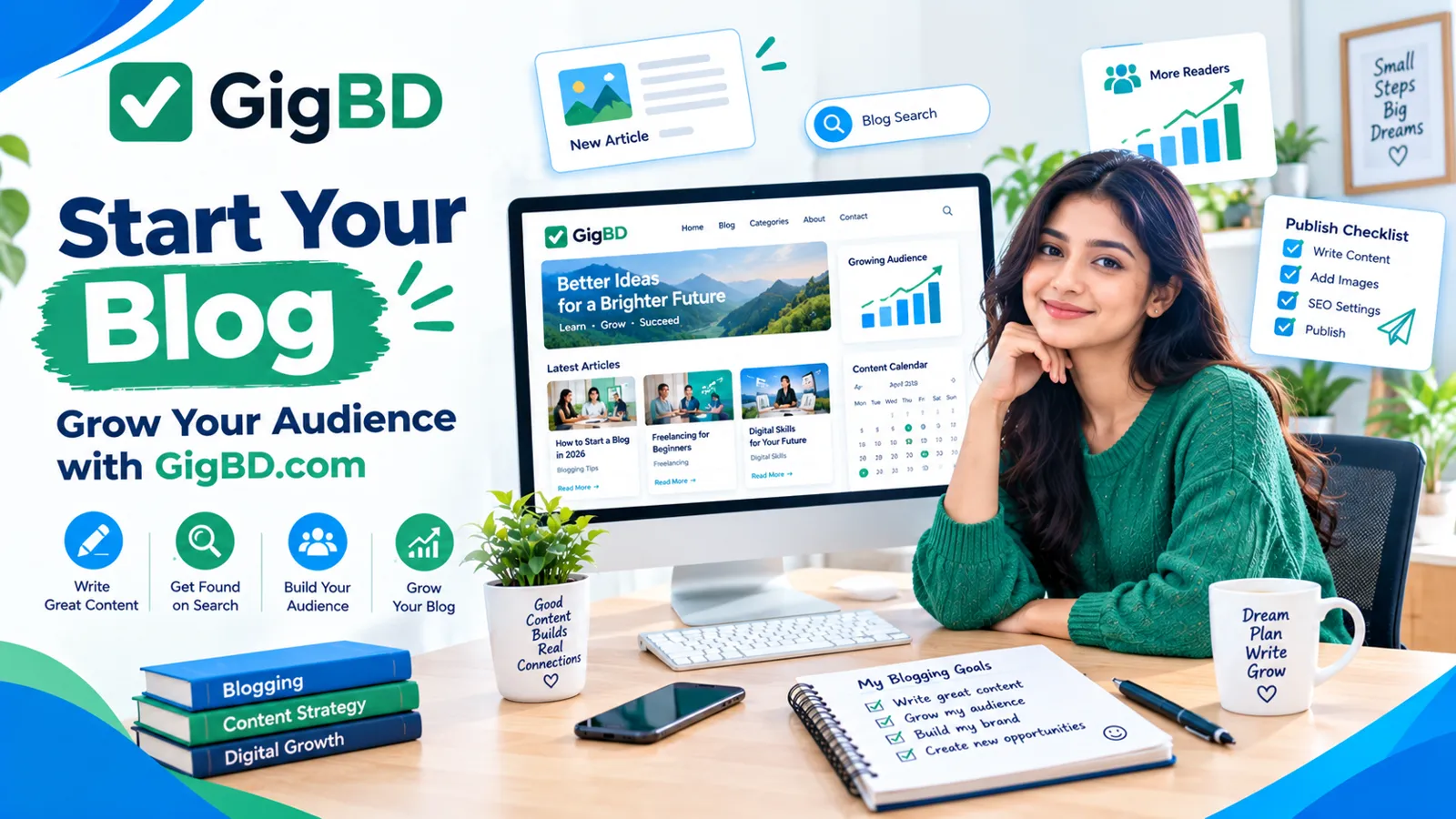
How to Start a Blog and Grow Your Audience in 2026
Introduction
Starting a blog can be a useful way to share knowledge, build an online presence, help readers solve problems, and develop digital skills. However, creating a website is only the beginning. To grow an audience, you need useful content, a clear purpose, and a consistent publishing strategy.
Whether you want to write about technology, education, freelancing, personal finance, lifestyle, or online work, the fundamentals of successful blogging remain similar: understand your audience, answer their questions, and make your content easy to discover.
At GigBD.com, we focus on educational content about digital work, online opportunities, and skill development. This guide explains how beginners can start a blog, publish helpful articles, improve search visibility, and gradually build an audience.
1. Choose a Clear Blogging Niche
A niche is the main subject your blog covers. Choosing a clear niche helps readers understand what they can expect from your website.
Popular blogging categories include:
Technology and digital tools
Education and learning
Freelancing and remote work
Food and cooking
Travel and local destinations
Health and fitness
Business and entrepreneurship
Personal development
Gaming and entertainment
Choose a topic that interests you and that you can research or write about consistently.
For example, a blog focused on digital skills could publish tutorials about online work, productivity tools, website development, and professional learning.
This is also relevant to the content strategy of GigBD.com, where articles can help readers understand digital work and develop practical knowledge.
Avoid selecting a niche only because someone claims it is profitable. Consider your knowledge, the needs of your intended audience, and whether you can produce genuinely useful content over time.
2. Understand Your Target Audience
Before writing your first article, decide who you want to help.
Your audience might include students, beginner bloggers, freelancers, small business owners, technology enthusiasts, or people learning new digital skills.
Think about the questions those readers commonly ask.
For example, beginners may want to know:
How do I start?
Which tools do I need?
What mistakes should I avoid?
How can I learn without spending much money?
Where can I find trustworthy information?
You can discover audience questions by examining search suggestions, relevant online discussions, comments on related articles, and questions people ask in your field.
Use those questions to plan useful articles instead of publishing topics without a clear purpose.
When you understand your audience, it becomes easier to write headlines, choose examples, and explain complicated ideas in simple language.
3. Choose a Suitable Blogging Platform
Your blogging platform determines how you create, organize, and publish articles.
Common options include hosted blogging services and self-hosted content management systems.
When comparing platforms, consider:
Ease of publishing
Design flexibility
Content ownership and export options
Search engine optimization features
Available themes and extensions
Hosting and maintenance requirements
Long-term costs
A hosted platform may be convenient for beginners who want a simple setup. A self-hosted website can provide more control over design and functionality, but it may require additional maintenance.
Choose a solution that matches your technical skills, budget, and long-term goals.
You do not need every advanced feature on your first day. Start with a reliable setup and improve it as your needs grow.
4. Choose a Memorable Domain Name
Your domain name is the address people use to visit your website.
A good domain name should be reasonably short, easy to spell, and suitable for your topic or brand.
Before choosing a name:
Check that it is easy to pronounce.
Avoid confusing spelling.
Consider how it will look in a logo.
Check domain availability.
Review potential trademark conflicts.
Make sure the name can support your future content plans.
Choose carefully because changing domains later can require redirects, technical work, and additional SEO attention.
Your website name should also be used consistently across your content and promotional materials.
For example, GigBD.com uses a concise domain that can appear naturally in article introductions, author information, and relevant calls to action.
5. Set Up a Clean and User-Friendly Website
A professional blog should make it easy for visitors to find information and read articles.
You do not need an elaborate design. Prioritize clarity, readability, and useful navigation.
Essential website elements may include:
Home page
Blog or articles page
About page
Contact page
Privacy policy
Terms of use, where appropriate
Clear category navigation
Search functionality, if useful
Use readable fonts, sufficient contrast, and a layout that works on both desktop and mobile devices.
Avoid excessive pop-ups, distracting animations, and advertisements that make the content difficult to access.
Test the website on different screen sizes and confirm that menus, buttons, images, and links work correctly.
A well-organized website helps visitors explore more content and makes it easier for them to return.
6. Plan Your First Ten Blog Posts
Instead of publishing random articles, prepare a small content plan before launching your blog.
Start with questions that your intended readers want answered.
For a digital skills or online work blog, possible topics include:
A beginner's guide to digital skills
How to choose the right online learning resources
Essential tools for organizing digital projects
How to write clear and helpful website content
Common mistakes new website owners make
How to organize files for online projects
Basic website security practices
How to improve website loading speed
How to create a simple content calendar
How to measure blog performance
For GigBD.com, select topics that complement the site's existing content rather than repeatedly covering the same subject.
Organize related articles into categories so readers can find more information about a topic they care about.
A focused content plan also helps you maintain a consistent publishing schedule.
7. Write Helpful, Original Blog Content
High-quality content should answer the reader's question clearly and accurately.
Before writing an article, identify its main purpose. Decide what the reader should understand or be able to do after reading it.
A useful article structure includes:
A clear title
An introduction explaining the problem
Organized sections with descriptive headings
Practical examples
Steps or recommendations where relevant
A conclusion summarizing the main lesson
Relevant internal links
Use simple language and short paragraphs when possible. Explain technical terms instead of assuming every reader already understands them.
Research factual claims carefully, especially when discussing money, security, technology, or legal requirements.
Avoid copying competitors' articles or publishing lightly rewritten material without adding meaningful value. If you use AI tools to assist with writing, review the output for accuracy, originality, usefulness, and a natural reading experience.
The goal is not to publish the largest number of articles. It is to publish content that genuinely helps people.
Readers visiting GigBD.com should be able to find practical information that supports their learning and understanding of digital work.
8. Learn the Basics of SEO
Search engine optimization, or SEO, helps search engines understand your pages and helps users discover relevant content.
Good SEO starts with creating useful pages that satisfy the searcher's intent.
Focus on these fundamentals:
Search intent: Understand what someone wants to learn when searching for a phrase.
Page titles: Write clear titles that accurately describe the article.
Headings: Organize the content using logical headings.
Keywords: Use relevant terms naturally when they fit the subject.
Internal links: Connect related articles on your website.
Image optimization: Use descriptive file names, appropriate dimensions, and meaningful alternative text.
Mobile usability: Make sure articles are easy to read on phones.
Page performance: Reduce unnecessarily large images and avoid features that slow the website.
Accurate metadata: Write a helpful meta description that reflects the actual page.
Do not fill articles with repeated keywords or create separate pages that target nearly identical searches without a clear reason.
SEO takes time, and search rankings are never guaranteed. Focus first on helping readers and making your website technically accessible.
For more articles about digital skills and online work, visit GigBD.com.
9. Make Your Blog Easy to Read on Mobile Devices
Many readers access websites through smartphones, so mobile usability should be a priority.
Check your website on a smaller screen before publishing an article.
Make sure:
Text is readable without unnecessary zooming.
Paragraphs are not excessively long.
Navigation menus are easy to use.
Buttons have enough space around them.
Images fit the screen properly.
Important information is not hidden.
Forms are easy to complete.
Compress images where appropriate and avoid loading unnecessary scripts or large media files.
A fast, mobile-friendly experience can make it easier for readers to stay on your site and explore related articles.
If most of your audience uses mobile internet, pay particular attention to image sizes and page-loading performance.
10. Use Images That Support Your Content
Relevant images can make an article easier to understand and more visually appealing.
Depending on the topic, you might use diagrams, screenshots, original illustrations, photographs, or simple infographics.
Follow these guidelines:
Use images that relate directly to the article.
Make sure you have permission to use them.
Avoid copyrighted material without appropriate rights.
Use descriptive alternative text when an image conveys useful information.
Compress files to improve loading speed.
Keep text within images readable.
Maintain consistent visual quality.
A blog cover should communicate the article's subject at a glance. It should not promise benefits the article cannot deliver.
For GigBD.com, consistent use of the site's original logo and brand colors can help readers recognize the website across different articles.
However, the design of each cover can vary to reflect its particular topic.
11. Promote Your Blog Beyond Search Engines
Search engines are only one possible source of visitors.
You can also promote helpful articles through relevant communities, social media, newsletters, and professional networks.
Consider these methods:
Social media: Share a useful takeaway from the article and invite interested readers to read the full guide.
Online communities: Participate in discussions where your article genuinely answers a question. Follow each community's rules.
Email newsletters: If readers voluntarily subscribe, send occasional updates about useful new content.
Professional networks: Share articles that are relevant to your industry or audience.
Related articles: Link to other useful pages on your website to help readers continue learning.
For example, when publishing a new digital skills guide, GigBD.com can be mentioned in a relevant social media post that directs readers to the complete article.
Avoid spamming groups, purchasing fake traffic, or sending unsolicited bulk messages.
Promotion should help people discover useful content rather than interrupt them with repeated advertisements.
12. Build Internal Links Between Related Articles
Internal links connect one page of your website to another.
They help visitors discover related information and can help search engines understand the relationships between pages.
For example, a guide about starting a blog could link to articles about content planning, website security, and SEO basics.
Use descriptive anchor text that tells readers what they will find after clicking.
Instead of repeatedly using vague text such as "click here," you might use "learn the basics of website security."
For GigBD.com, build links between genuinely related articles about digital skills, online work, and professional development.
Only link to pages that exist and are relevant to the discussion.
A thoughtful internal linking structure can make a growing blog easier to navigate.
13. Track Your Blog's Performance
Publishing articles is only part of the process. You should also review how people discover and use your content.
Website analytics and search performance tools can help you understand:
Which articles receive visits
Which search queries bring visitors
How often pages appear in search results
Which pages attract clicks
Whether important pages have technical problems
Which topics may deserve further development
Do not judge an article only by its first few days of traffic. New pages may need time to be discovered and evaluated by search engines.
Review performance periodically and look for useful patterns.
If an article receives impressions but few clicks, consider whether its title accurately communicates the value of the content. If readers need more information, update the article with useful explanations rather than adding unnecessary text.
Use reliable data when making decisions instead of assuming that every change will improve rankings.
14. Publish Consistently Without Sacrificing Quality
Consistency helps you maintain progress and gives readers a reason to return.
However, consistency does not mean publishing every day regardless of quality.
Choose a realistic schedule based on your available time. For example, you might publish one or two well-researched articles each week.
Prepare topics in advance and maintain a simple content calendar containing:
Article title
Target audience
Main topic
Drafting date
Editing date
Publication date
Promotion plan
Update older articles when facts change, links break, or better explanations become available.
For GigBD.com, planning related articles in advance can also help maintain a coherent publishing strategy and avoid repeating the same topic across multiple posts.
15. Common Blogging Mistakes to Avoid
New bloggers often face similar challenges. Understanding them can help you avoid wasting time.
Choosing an unclear niche: Readers may struggle to understand the purpose of the website.
Publishing copied content: Unoriginal material provides little reason for people to visit your site.
Ignoring mobile users: Poor mobile usability can frustrate readers.
Overusing keywords: Repetition makes articles less natural and less useful.
Neglecting website security: Weak passwords and outdated software can create avoidable risks.
Publishing without editing: Spelling, formatting, and factual errors can reduce credibility.
Expecting instant results: Audience growth and search visibility usually require sustained effort.
Ignoring analytics: Without reviewing performance, it can be difficult to know which topics need improvement.
Using irrelevant internal links: Links should help readers, not simply fill the page.
Giving up too early: A blog often needs time to develop a useful library of content and attract a regular audience.
The best approach is to keep learning, review your progress, and prioritize useful information over shortcuts.
16. A Simple 30-Day Blogging Action Plan
If you are ready to start, use this plan to organize your first month.
Week 1: Preparation
Choose your niche, identify your target audience, select a platform, and establish the basic website structure.
Week 2: Content planning
Research audience questions, select your first article topics, and create outlines for your initial posts.
Week 3: Publishing
Write, edit, and publish your first useful articles. Check formatting, mobile usability, and internal links.
Week 4: Promotion and review
Share your articles in appropriate places, review available performance data, and prepare your next group of topics.
Adapt the schedule to your circumstances. You may need more time for technical setup, research, or editing.
This plan is intended to help you build a foundation. It does not guarantee a specific number of visitors, search rankings, or income.
Continue learning about digital publishing and online work through GigBD.com as you develop your blogging skills.
Conclusion
Starting a blog requires more than choosing a domain and publishing articles. You need a clear topic, an understanding of your audience, helpful content, a user-friendly website, and a sustainable approach to promotion.
Begin with a small number of well-researched articles. Learn the basics of SEO, organize related pages with internal links, improve the mobile experience, and review your progress over time.
Do not expect instant results or rely on shortcuts. Focus on building a website that provides genuine value to its readers.
If you want to continue exploring digital work, online skills, and professional development, visit GigBD.com for more educational articles.
GigBD.com — Learn new skills, discover digital opportunities, and grow your knowledge online.