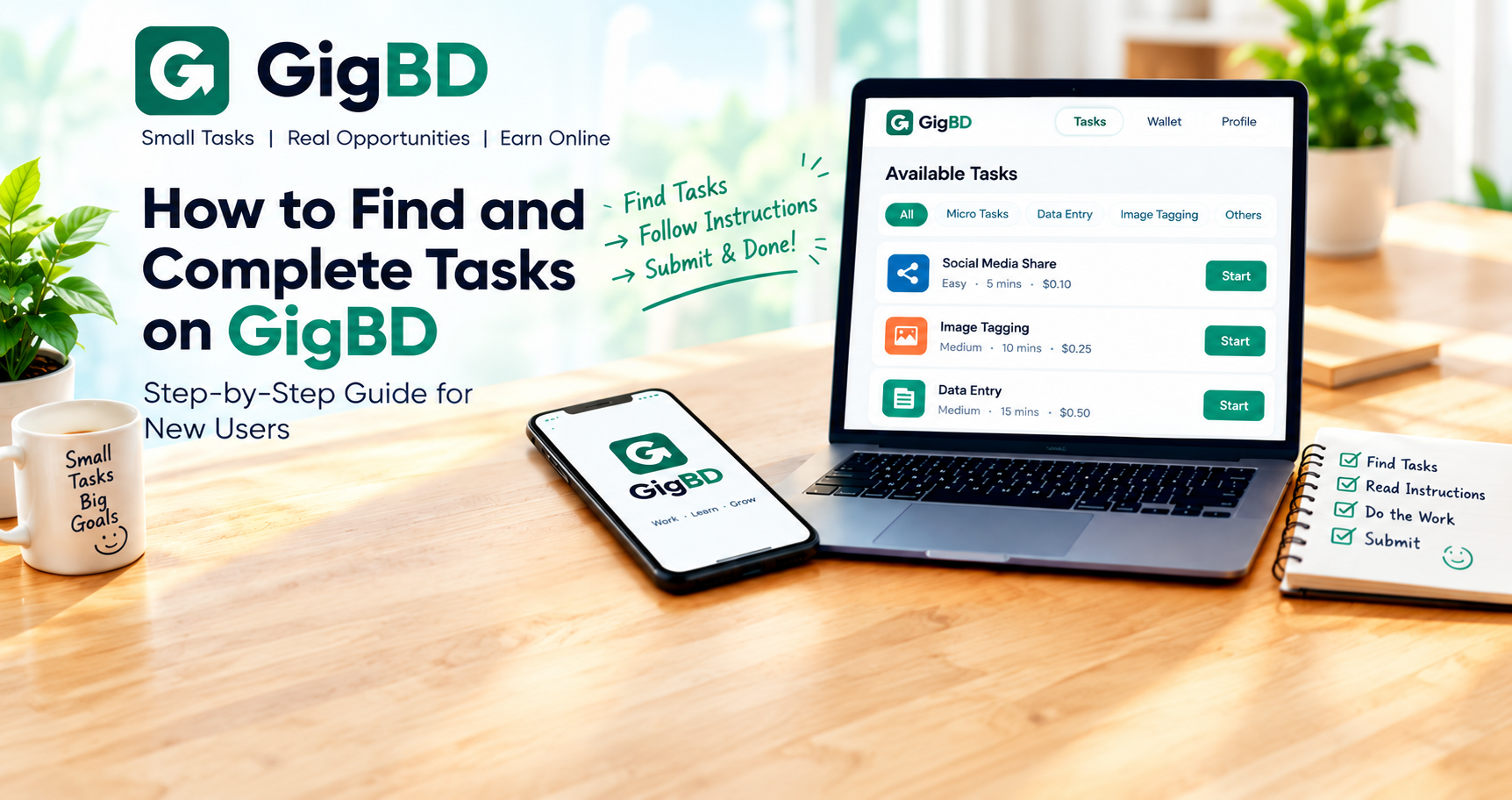
How to Find and Complete Tasks on GigBD
Finding and completing tasks is an important part of using GigBD. If you are new to the platform, understanding how to browse available tasks, read instructions, and submit your work correctly can help you avoid common mistakes.
This guide explains the basic process of finding tasks and completing them carefully on GigBD.
What Are Tasks on GigBD?
Tasks are small pieces of work that users can complete according to specific instructions. The types of tasks available may vary depending on current campaigns and eligibility requirements.
Before choosing a task, review its description and make sure you understand what needs to be done.
Step 1: Open the Browse Tasks Section
Log in to your GigBD account and open the Browse Tasks section.
Review the tasks currently displayed on your account. Read the available descriptions to understand what each task requires.
If there are only a few tasks available, check the page again later. Task availability may change over time.
Step 2: Choose a Suitable Task
Before starting a task, check the information provided on its page.
Pay attention to:
Task instructions: What you need to do.
Requirements: Any conditions you must meet.
Reward information: The reward stated for the task.
Submission requirements: What you must provide when the work is complete.
Deadline: The time limit, if one is specified.
Choose tasks you understand and can complete according to the stated requirements.
Step 3: Read the Instructions Carefully
Do not rush into a task without reading the full instructions.
Some tasks require specific answers, screenshots, links, or other proof of completion. Other tasks may have different submission rules.
Make sure you understand every required step before beginning. If something is unclear, review the task description or consult the available Help section.
Step 4: Complete the Task Accurately
Follow the instructions in the order provided.
Take your time and check your work as you go. Make sure your submission is accurate, complete, and consistent with the task requirements.
Never submit fake proof, copied answers that violate the task rules, or information that misrepresents the work you completed.
Step 5: Submit Your Work
After completing the task, return to the task page and follow the specified submission process.
Before submitting, check that:
You have completed all required steps.
Your answers are accurate.
Any requested proof is included.
Your submission follows the required format.
You have met the deadline, if applicable.
Submit your work only when you are satisfied that it meets the requirements.
Step 6: Check Your Task Status
After submitting your work, check your account for any available status updates.
Depending on the task and platform process, the work may need to be reviewed before it is approved. Follow any feedback or additional instructions provided.
Do not assume that a submission has been approved until the platform indicates its status.
What Should You Do If You Cannot Find Tasks?
Sometimes, your account may show only a small number of tasks or no suitable tasks at all.
Here are some practical steps:
Visit the Browse Tasks page again later.
Check official GigBD announcements for updates.
Review any eligibility requirements displayed on individual tasks.
Make sure you are logged in to the correct account.
Contact GigBD Support if you believe there is a technical problem with your account.
Task availability can vary. Ads and offerwalls may not be available to every user, and their availability should not be assumed.
Tips for Completing Tasks Successfully
Understand the requirements. Read all instructions before starting.
Focus on accuracy. Correct and complete work is more useful than rushing through a task.
Submit genuine proof. Provide only the information or evidence requested by the task creator.
Respect deadlines. Complete tasks within the specified time when a deadline applies.
Protect your account. Keep your password private and avoid sharing sensitive account information.
Check for updates. Review your dashboard for task status and other account notifications.
Frequently Asked Questions
Why can I see only a few tasks on GigBD?
Task availability may depend on active campaigns, eligibility requirements, and other factors. Check the platform periodically for updates.
Should I start a task before reading all the instructions?
No. Read the full task description first so you understand the requirements and submission process.
What happens after I submit a task?
The submission may need to be reviewed according to the task's rules. Check your account for status updates and follow any feedback provided.
Can I guarantee approval by following these steps?
No. These practices can help you avoid common mistakes, but approval depends on meeting the specific task requirements and applicable platform rules.
Final Thoughts
Finding and completing tasks on GigBD becomes easier when you understand the process. Browse the available opportunities, choose tasks you can complete, follow the instructions carefully, and review your work before submitting.
Stay informed about platform updates, work honestly, and check your account regularly for new opportunities.
Thank you for being part of GigBD!